New · Animated Avatars
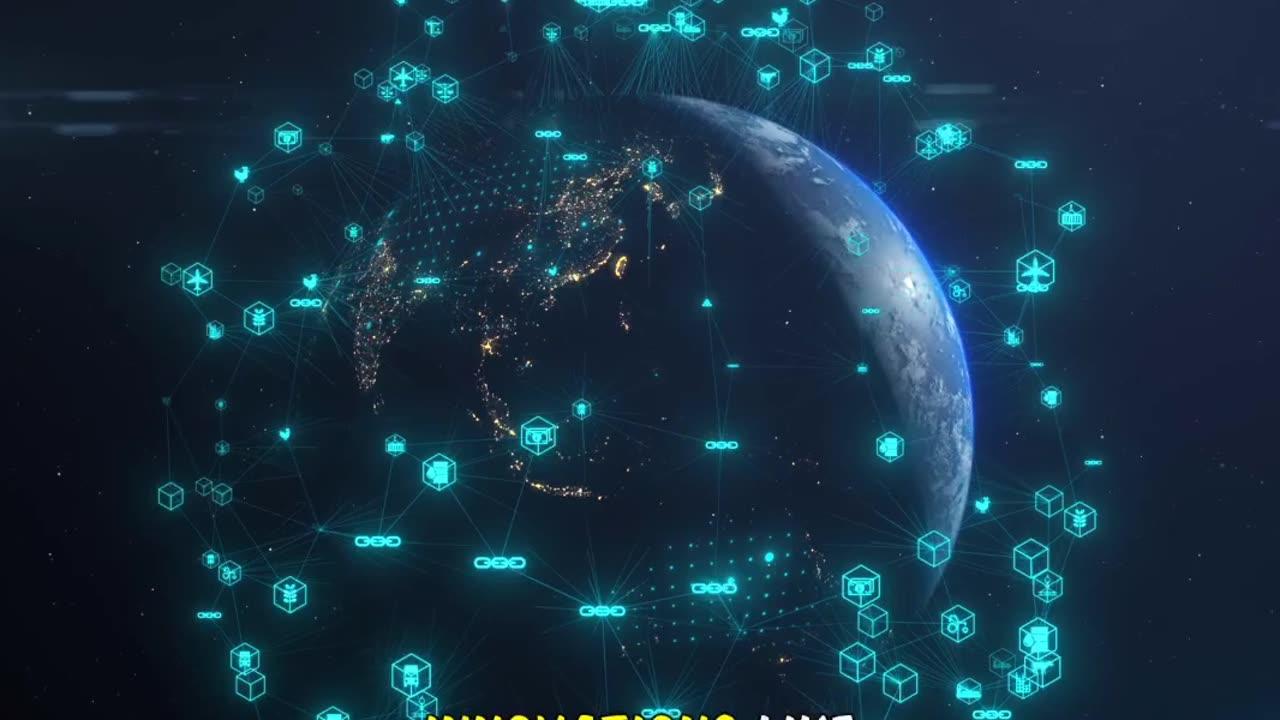
AI avatars now present your videos
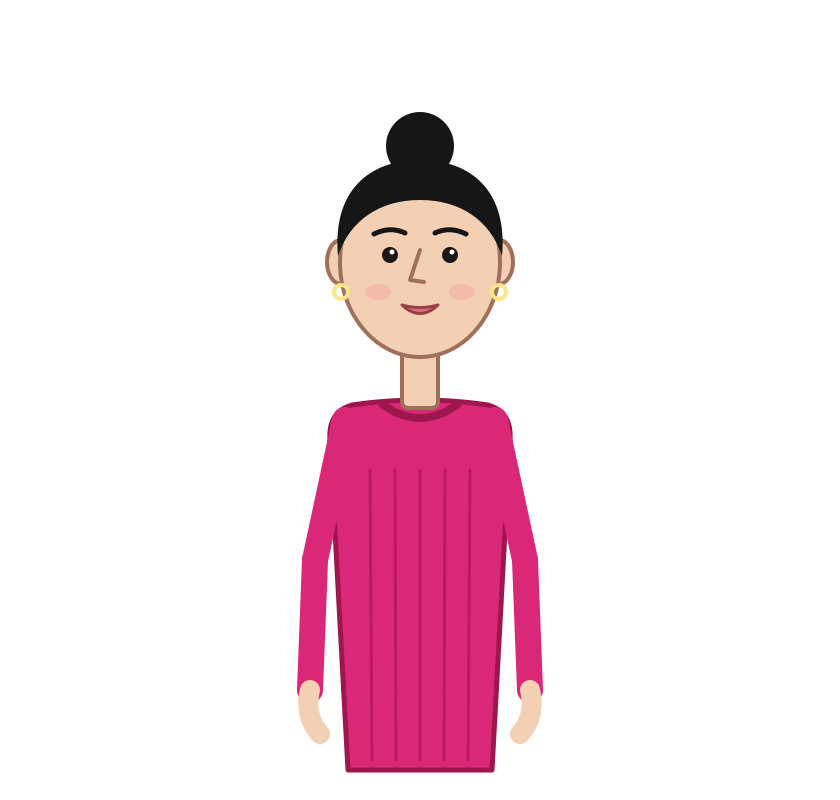
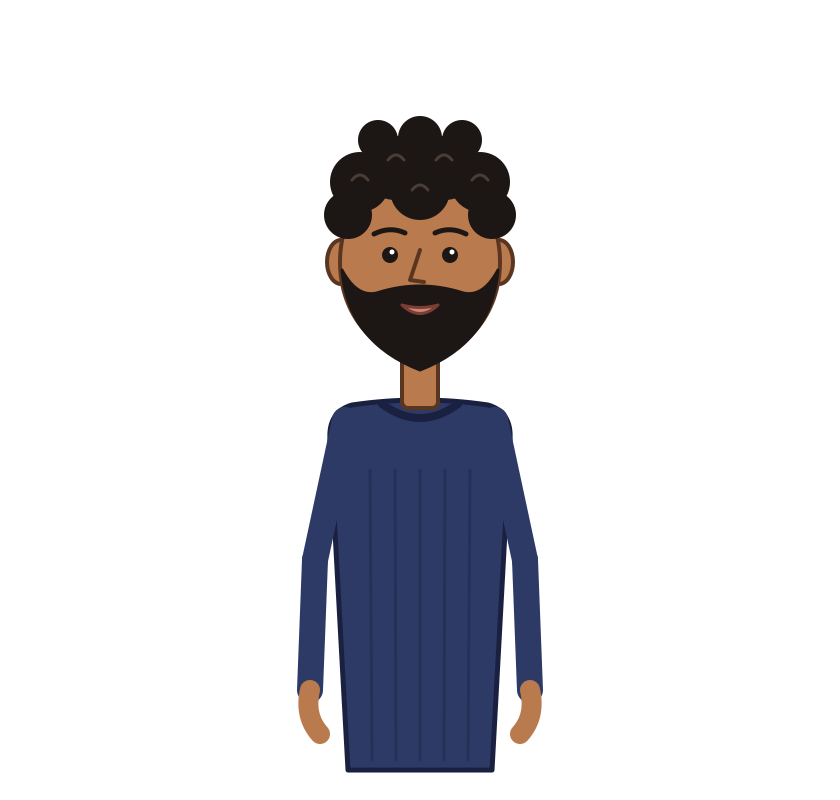
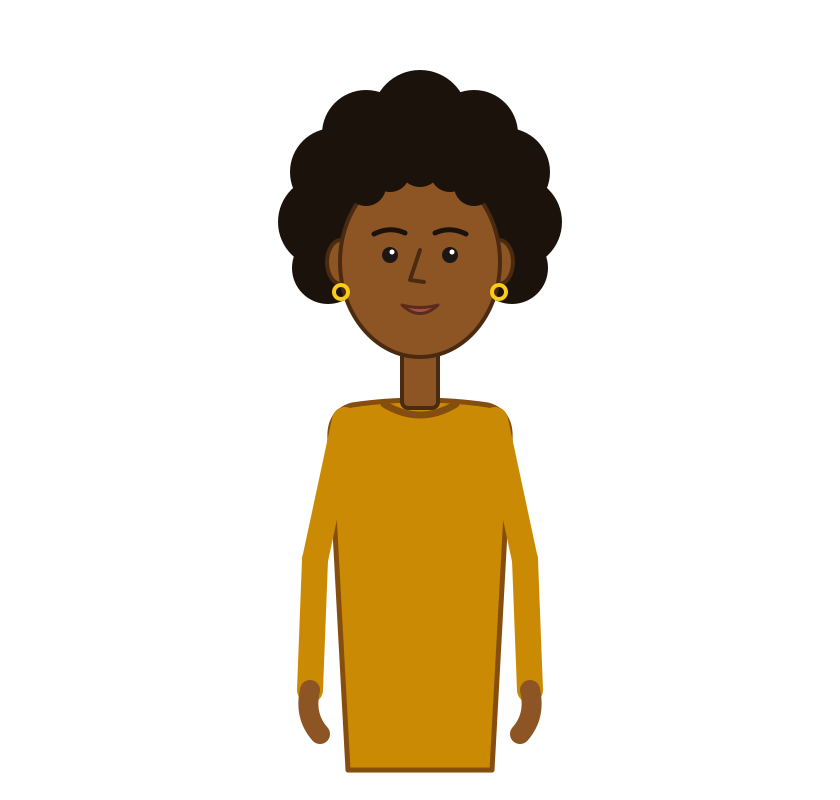
Create a presenter in your own style that lip-syncs your script and gestures naturally in your faceless videos.


- Create an avatar in your own visual style
- Choose exactly where it appears in your video
- Automatic lip sync and natural gestures
Meet your on‑screen presenter
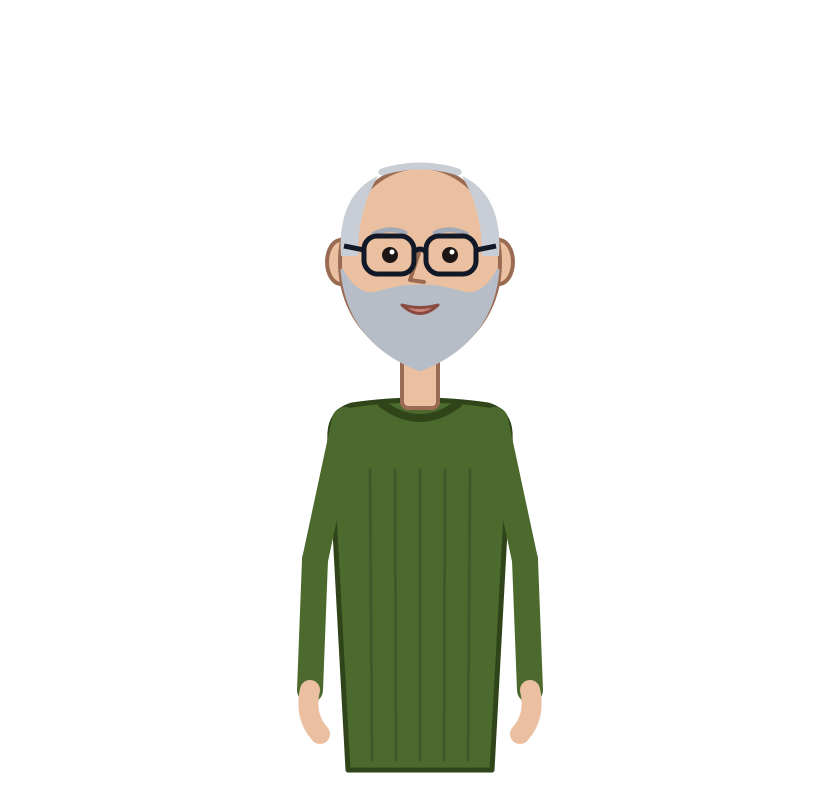
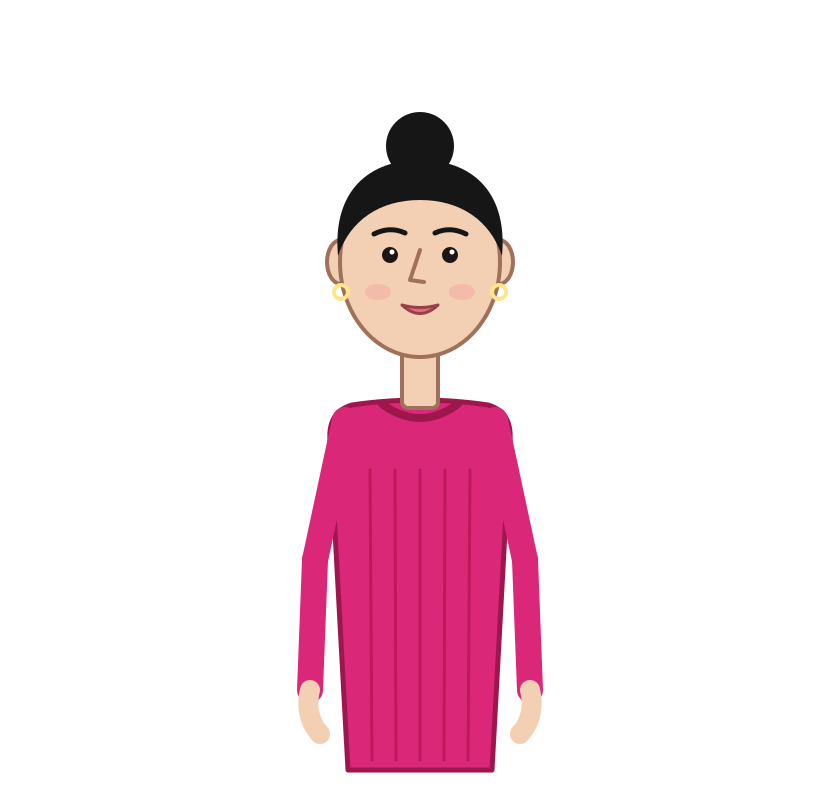
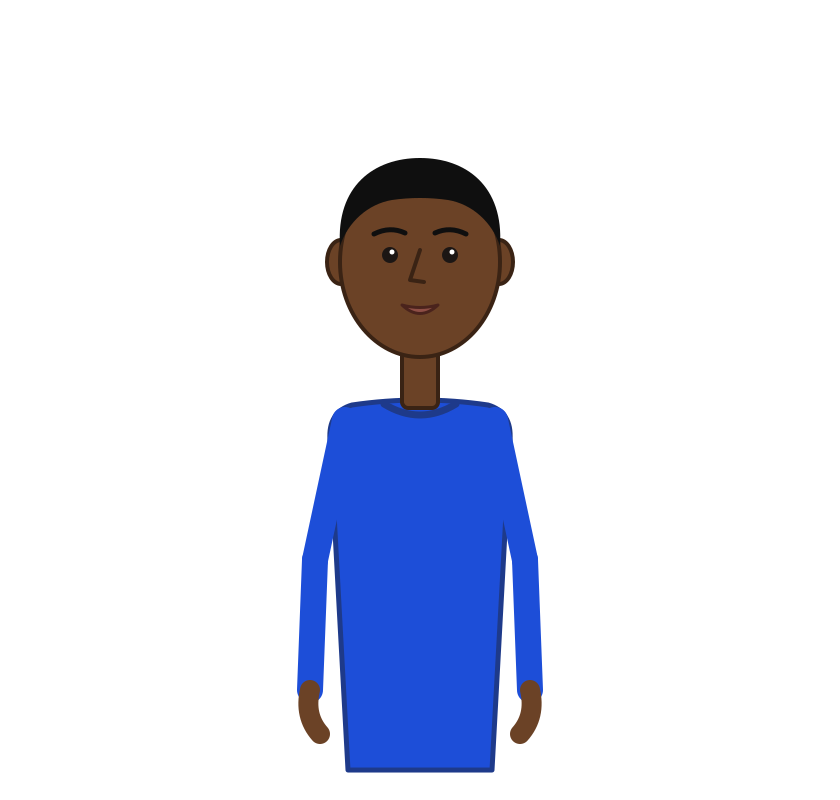
Animated avatars speak your script with lip sync and natural gestures.


Welcomebacktothechannel
One avatar, every part of your video
Use it for the intro, for key moments along the way, and for the outro.
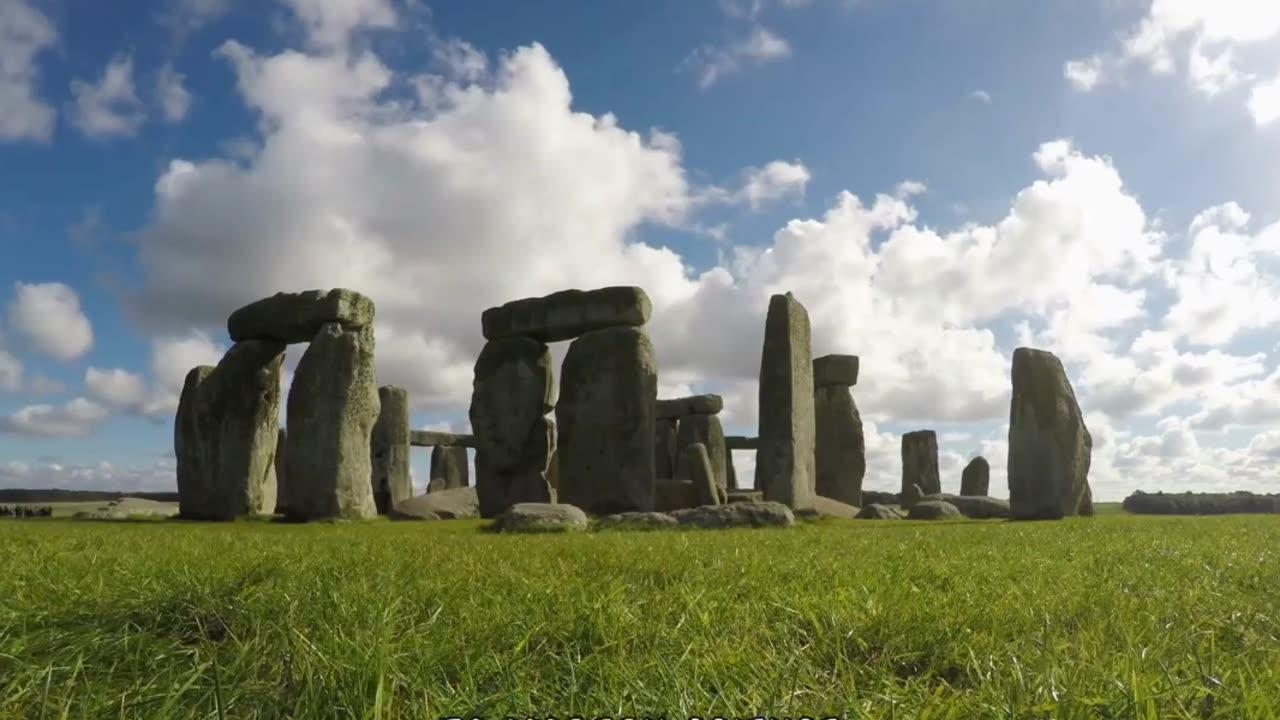
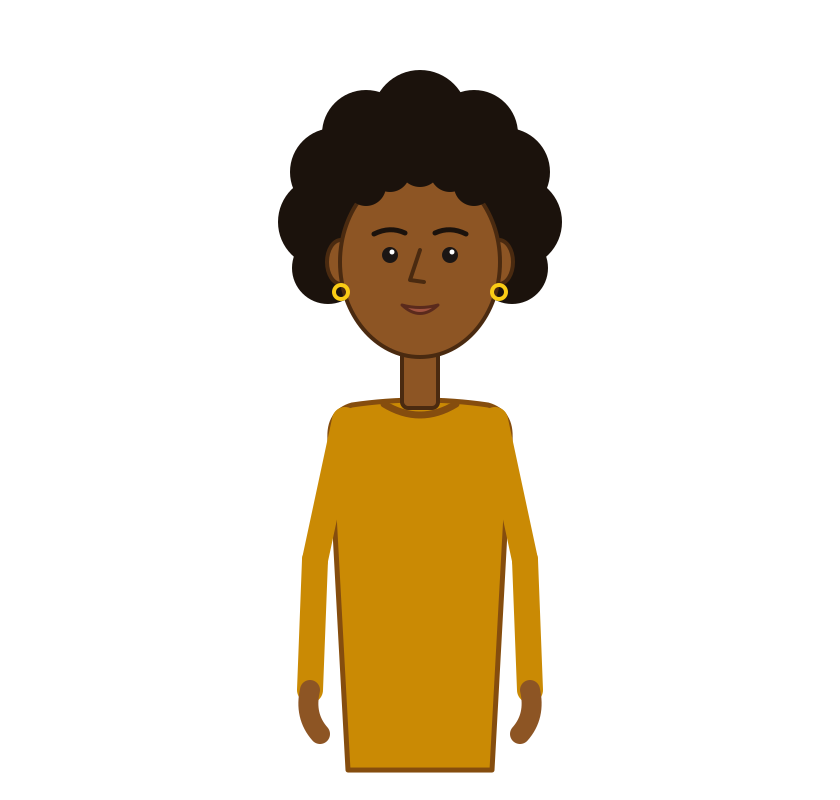
Welcomebacktothechannel
Intro presenter
Opens your video with an 8-second introduction, so viewers meet your presenter first.
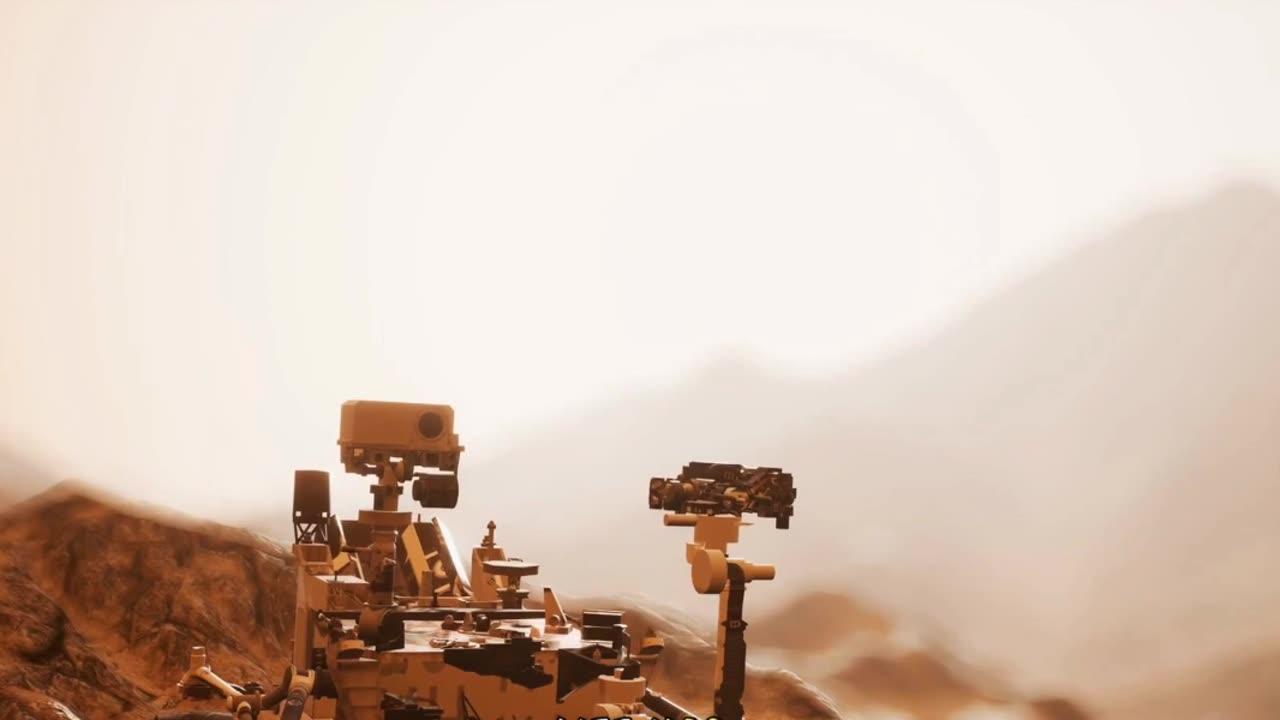
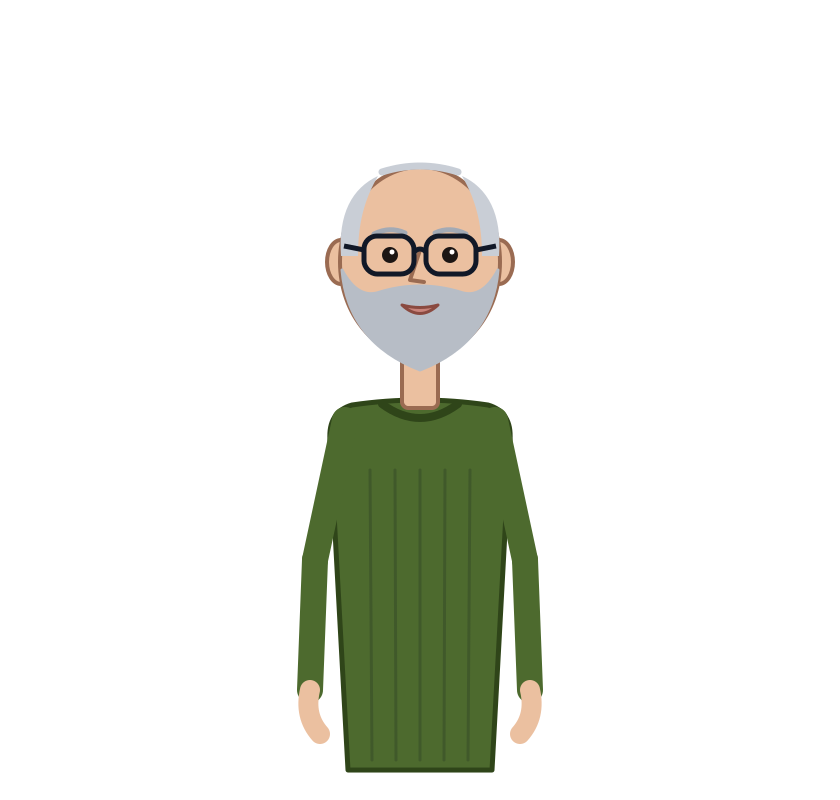
Nowwatchthispartclosely
On-screen moments
Steps in from the side for 5-second moments across 10–30% of the video, or exactly where you choose.
Seeyounexttime,everyone
Outro
Closes your video with a 6-second outro, lip-synced to your voiceover.
How it works
From an idea to an on-screen presenter in three steps.
- 1
Describe your presenter
Write a prompt of up to 500 characters and add up to 5 reference images for the look you want.
- 2
Generate your avatar
VidAI builds a rigged, animated avatar in your style for 20 credits, refunded if generation fails.
- 3
Place it in your video
Pick an intro, an outro or on-screen moments. Lip sync and gestures follow your voiceover automatically.
Avatars are included in every paid plan
Pick monthly or yearly. Every plan below includes Animated Avatars.
Questions, answered



Give every video a presenter
Create your avatar, drop it into your next faceless video, and let it do the talking.
Cancel anytime · 30-day refund on unused credits