 Claude
 ChatGPT
 Using Vid.AI
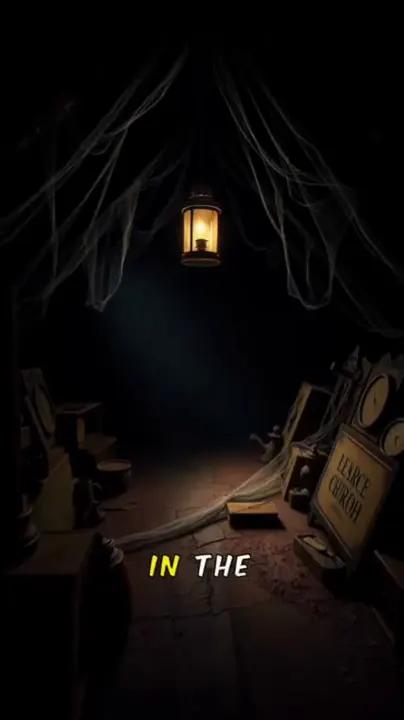 Horror story
 Ocean facts
Faceless Shorts
9:16Create narrated Shorts for your next story.
- 60 or 90 seconds
- 12 image styles
- 33 narrators or your own voice
- Moving frames
Introducing Vid.AI MCP
Stay in the conversation. Ask Claude, ChatGPT or your own agent for a video, and Vid.AI takes it from the first line of your script to the final render.
Make a 60-second Short about how plastic is changing our oceans. Cinematic style, narrated by Rachel.
Using Vid.AI
Your Short is ready. Want a longer cut for YouTube next?
 Ready to share
Real videos made with Vid.AI, with narration, captions and visuals. Your assistant can create both, with every option the editor has.
Horror storyOcean factsCreate narrated Shorts for your next story.
Bring longer ideas to life, from explainers to deep dives.
The longest length available depends on your plan.
Connect once, then ask for a video whenever inspiration strikes.
Add Vid.AI to Claude, ChatGPT or your own agent and sign in once. No code needed for Claude or ChatGPT.
Describe your idea or paste your own script. Pick the length, one of 33 narrators or your own voice, a style, an avatar and upgrades, or let your assistant choose.
Your assistant shows the credit cost before anything is charged. Refine your script and scenes, then get a link to the finished video.
A small setup. A whole new workflow.
Use one-click OAuth sign-in with Claude or ChatGPT, or connect your own AI agent over Streamable HTTP.
Read the connection guideVideo creation uses your Vid.AI subscription and credits. Your assistant shows the credit cost before anything is charged.
Add Vid.AI as a custom connector in Claude with the server URL below. Click Connect and sign in to your Vid.AI account.
MCP server URL
https://vid.ai/api/mcpSign in with your existing Vid.AI account.
No MCP key or manual OAuth client registration needed.
Once connected, ask your assistant to create a video.
Also new in Vid.AI
Create a presenter in your own style that lip-syncs your script and gestures naturally in your faceless videos.
Included in every paid plan. Create an avatar in the Vid.AI app, then ask your assistant to put it in any long-form video.
Your next video is a conversation away. Give your assistant the power to create with Vid.AI.